

Rational combi oven fault codes explained, CPC, SCC and iCombi Pro. Which codes can you clear yourself, which need a tech, and Melbourne repair costs?
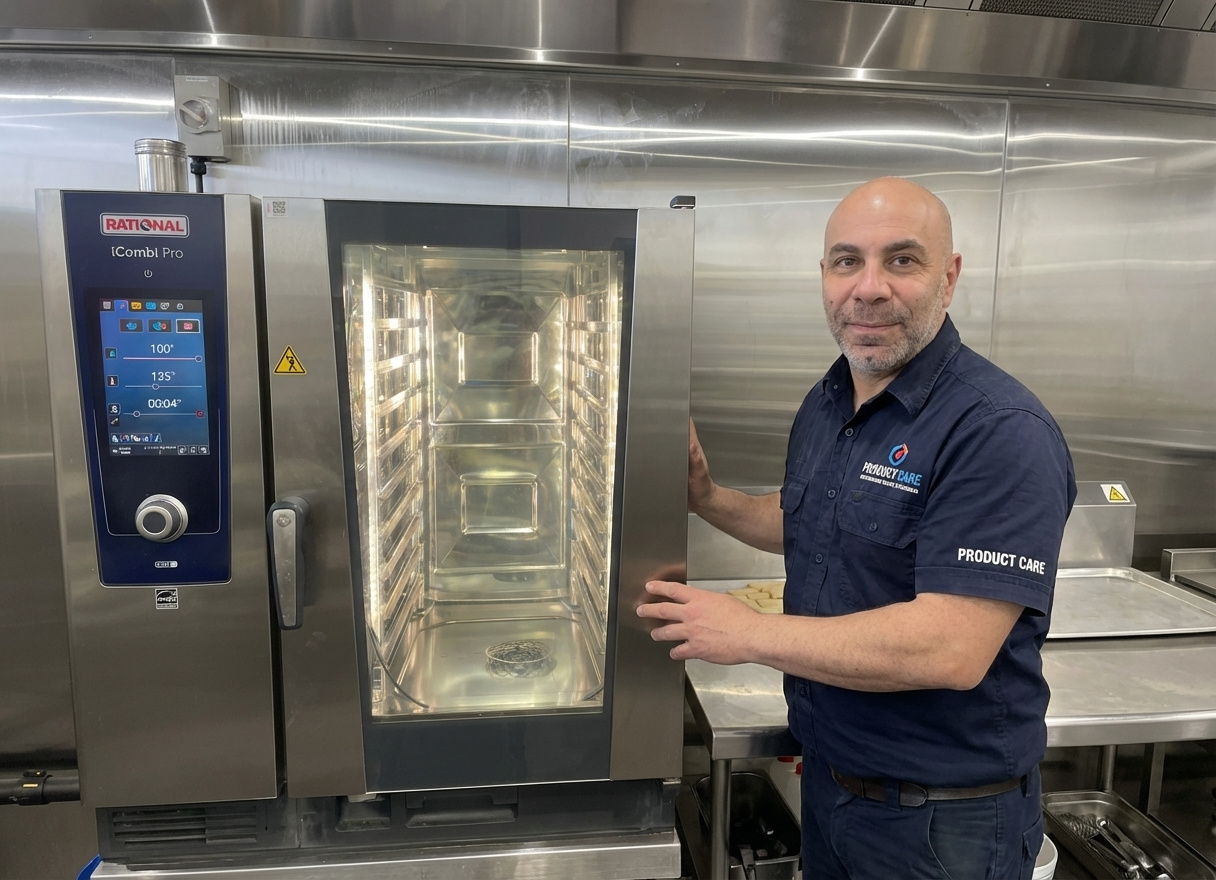
If your Rational is showing a fault code during prep or mid-service, the first useful thing to know is this. Rational fault codes fall into three categories. Codes you can clear yourself in under five minutes. Codes that let the oven keep cooking until a technician arrives. And codes that lock the unit down completely. Working out which category you’re looking at tells you whether to keep going, book a tech for tomorrow, or stop and ring one now.
This guide covers the fault codes across the main Rational combi oven generations, CPC, SelfCookingCenter (SCC), white efficiency, and the iCombi Pro, what each means in practice, what’s usually behind it, and what to do before you make the call.
Which Rational model are you looking at?
The fault code system is different across generations, and that matters because the same number can mean two different things depending on which oven you’ve got.
The CPC (Combi Steamer with ClimaPlus Control) was the workhorse from the late 1990s through the mid-2000s. Plenty of these are still in commercial kitchens across Melbourne, older bakeries, hotels with kitchens that weren’t refurbished in the last decade, that sort of site. CPC fault messages are mostly text, Abort, Rinse Start, Service 1, Service 3, with a few numbered Service codes.
The SelfCookingCenter (SCC), also branded whitefficiency, ran from around 2004 through to the iCombi Pro launch. Most commercial sites in Melbourne running a Rational today are on SCC. These use the Service [number] codes, Service 10 through Service 120, plus a separate set of E codes on the Combi Master variant.
The iCombi Pro replaced the SCC in 2020. The fault system carries forward most of the SCC logic, but with cleaner descriptions on the colour touchscreen.
Unsure which generation you have? Check the panel. Knobs with a small backlit display, CPC. Larger LCD with knobs, SCC. Full-width colour touchscreen, iCombi.
Rational fault codes you can clear yourself
Some codes don’t need a technician. They mean something interrupted a cycle, and the oven needs you to tell it that the situation is resolved.
| Abort (CPC) | Appears when CleanJet has been interrupted. Check that the rotating CleanJet arm is properly seated, the chemical containers have enough detergent and rinse aid, and the door is fully closed. Press Start, let it run a 4-minute rinse. If Abort doesn’t clear, it’s no longer a user fix. |
| Rinse Start (CPC) | Same triage. Arm seated, chemicals full, door closed, press Start for a 4-minute rinse. If Service 5 appears after several attempts, move to the next code. |
| Service 5 (CPC) | The CleanJet rinse program didn’t complete. Most often, the rinse container ran out. Top it up, then clear the code: close the cabinet door, then press the cabinet temperature key, the timer, and the IQT program key simultaneously. If Service 5 reappears after that, the CleanJet system needs proper maintenance. |
| Service 6 (CPC) | Also, CleanJet related. Rinse the cabinet thoroughly with the hand shower, close the door, then press the same three-key combination as Service 5. If it doesn’t clear, that’s a service call. |
| RESET (CPC) / rES (CM) | Almost always a gas issue. Check that the gas shut-off valve is open. Check that the venting hood is on and working. Check that no other gas equipment in the kitchen is creating a pressure drop. If you’ve got a power plug with reversible polarity and the unit was recently moved or rewired, reversing the polarity sometimes clears it. If none of that works, ring a technician. |
A note on the Service 5 button combination: it works because the CPC was designed to let kitchen staff clear minor CleanJet interruptions without waiting for a tech. The combination is deliberately obscure, so it doesn’t get pressed accidentally. Worth knowing if you’ve got an older Rational still in regular use.
Codes that mean “keep cooking, book a tech”
Some Rational fault codes don’t stop you from working. They flag that something needs maintenance, but won’t lock the unit down. The temptation is to ignore them. Don’t.
| Service 1 (CPC) | Steam generator maintenance needed. After a 2-minute wait, full operations, including IQT and Program Start, come back. |
| Service 3 (CPC) | The IQT sensor needs attention. IQT programs won’t run at full performance. Manual cooking still works. Book a service. |
| Service 4 (CPC) | Also, the IQT sensor is more serious. IQT programs and any manual program using the core probe are out of action. Manual programs without the probe still work. Book sooner rather than later. |
| Service 28 (SCC) | The steam generator B5 thermocouple is reading above 180°C. The indicator clears once it cools below 110°C. If you’re seeing this repeatedly, the issue isn’t transient; book a tech to look at the thermocouple position or insulation. |
| Service 29 (SCC) | PCB temperature is above 85°C. The control board is overheating. Check the air filter first; a blocked filter accounts for a large portion of these. Also check the cooling fan, control panel gasket, and whether the oven’s been installed somewhere with poor airflow or too close to another heat source. If the filter is clean and the issue persists, that’s a tech call. |
The pattern across these codes is the same. The oven is telling you a component is degrading. Pushing through with a Service 1 or Service 28 over months usually leads to a harder failure that costs more to repair than the original maintenance would have.
Codes that lock the unit down
These are the ones that stop production. Most need a technician.
| Buzzer sounds intermittent (CPC) | General maintenance, urgent. Unit out of function. Service call. |
| Service 11 (SCC) | The CDS sensor is sending too many pulses. Usually, a leak in the level electrode or water path to the steam generator. |
| Service 12 (SCC) | CDS sensor not signalling. Often, a blocked sensor or low water pressure. Check the water supply pressure at the inlet first; if pressure is at spec, it’s a sensor or wiring issue. |
| Service 13 (SCC) | The steam generator isn’t refilling during steam mode. The level electrode signal issue with the PCB. |
| Service 14 (SCC) | The level electrode isn’t recognising water. Almost always a water conductivity issue, where the water is too pure, often because reverse osmosis is in line without conditioning. We see this on Melbourne sites with high-spec water filtration upstream. A tech needs to confirm, but the fix is usually a water treatment adjustment, not a part. |
| Service 20.x (SCC) | Defective thermocouple. The number after the decimal tells the technician which probe (B1 cabinet, B2 quenching, B4 humidity, B5 steam generator). A faulty thermocouple is a replace-on-site job. |
| Service 23 / Service 24 (SCC) | SSR (solid state relay), short circuit, steam or hot air. Electrical fault. |
| Service 25 (SCC) | Improper water flow during CleanJet. One of the most common codes across Melbourne sites. Could be water pressure, the moistening valve, the nozzle, or the CDS sensor. Worth checking the inlet pressure first before booking. If pressure’s at spec, it’s a tech call. |
| Service 26 / Service 27 (SCC) | Drain valve faults. 26 is a permanently closed drain valve (replace assembly). 27 is a drain valve that won’t close during initialisation. Start the rinse/abort program first; if it persists, the assembly needs replacing. |
| Service 3 |